 Murmurs
Say what's on your mind.
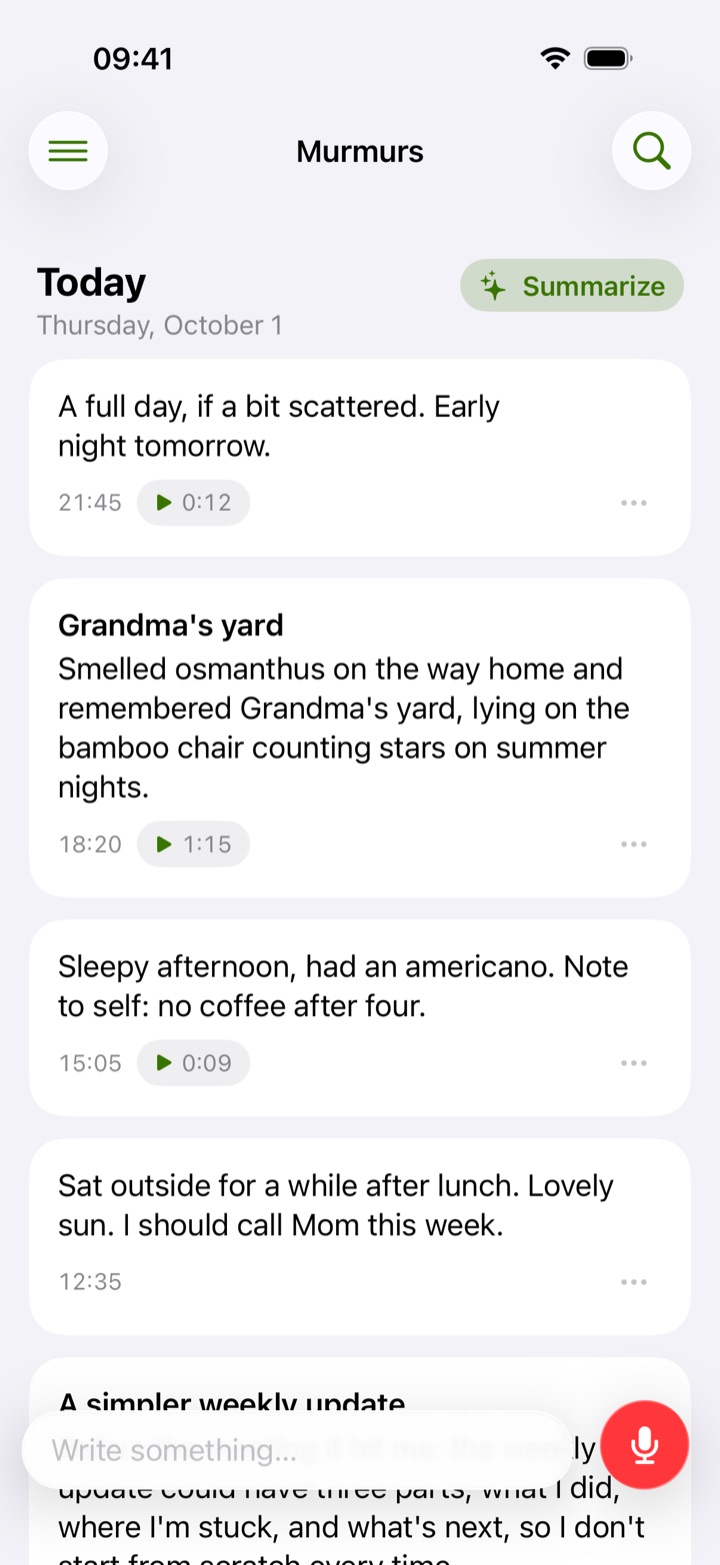
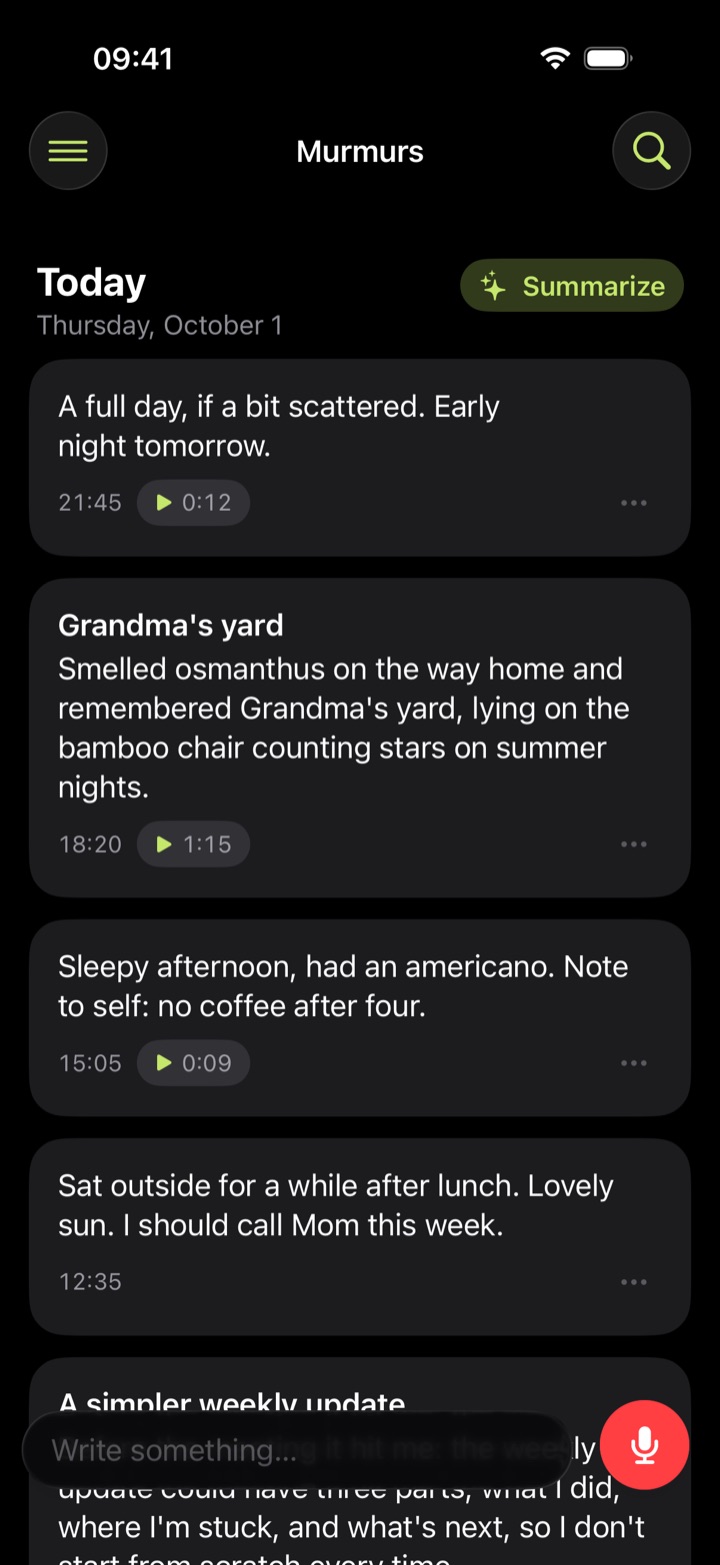
Tap the microphone and talk for a moment. Murmurs turns it into text with a title, and in the evening gathers your day into a journal entry. It opens ready to use, with no sign-up.
Version 1.0 · 6 MB
The iPhone and Apple Watch app is coming to the App Store.
How a day gets written down
Speak, or type
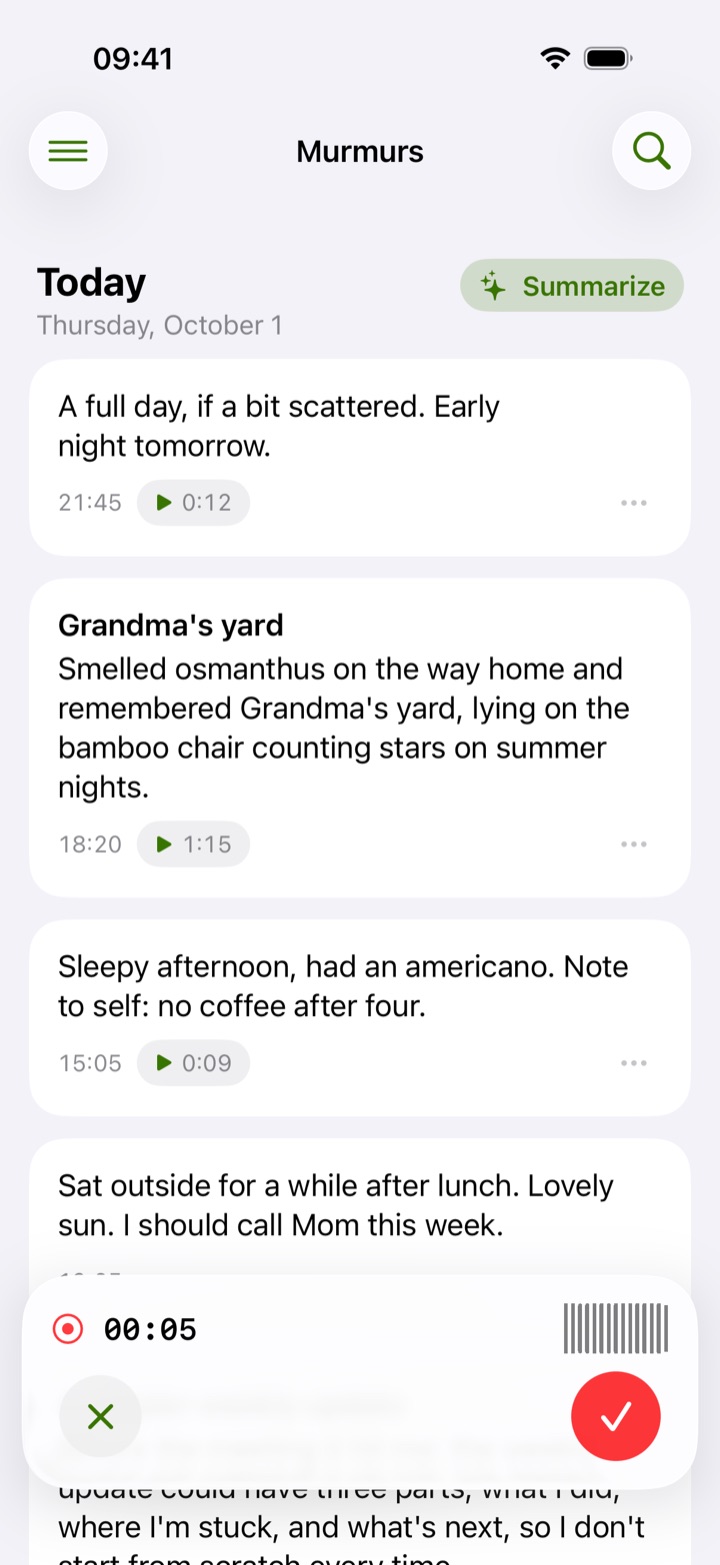
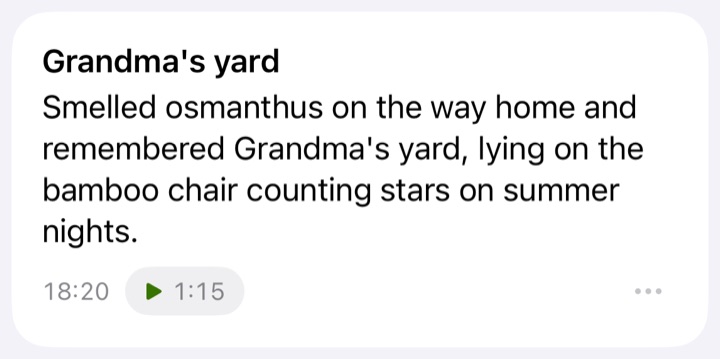
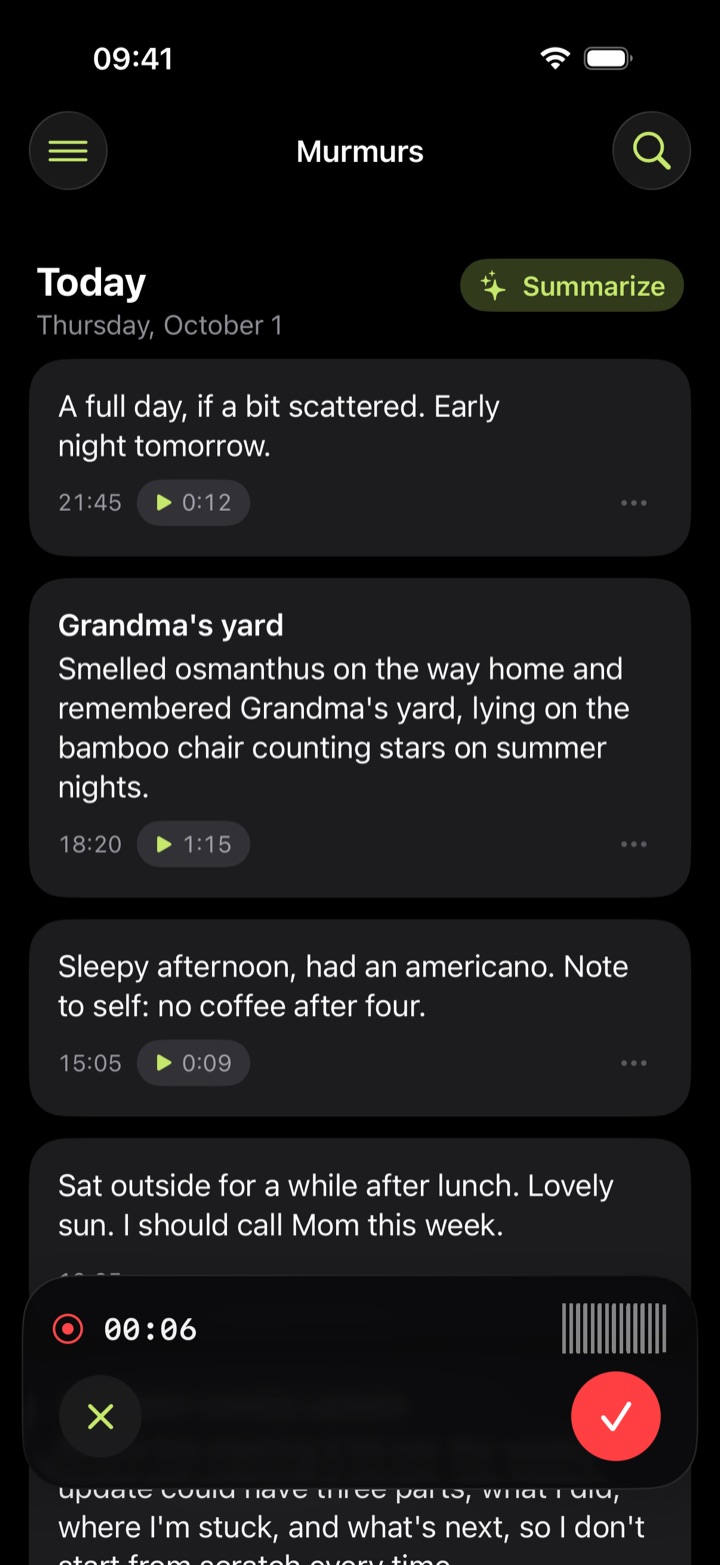
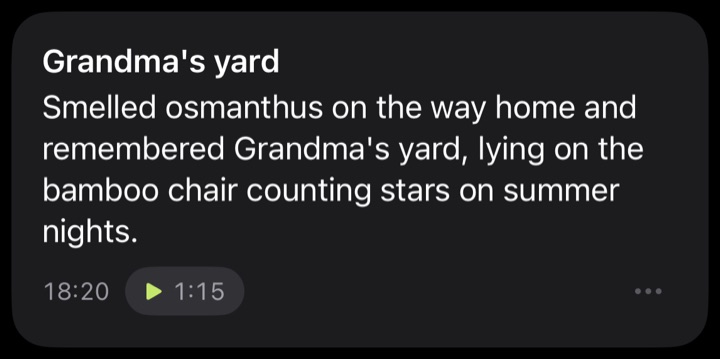
Tap the microphone whenever something comes to mind. No format, no title to think of. When you can't talk, type instead, and add photos or files.
It tidies up for you
After a recording uploads, the server transcribes it and gives it a title. Tap Polish to smooth the wording; your original words stay.
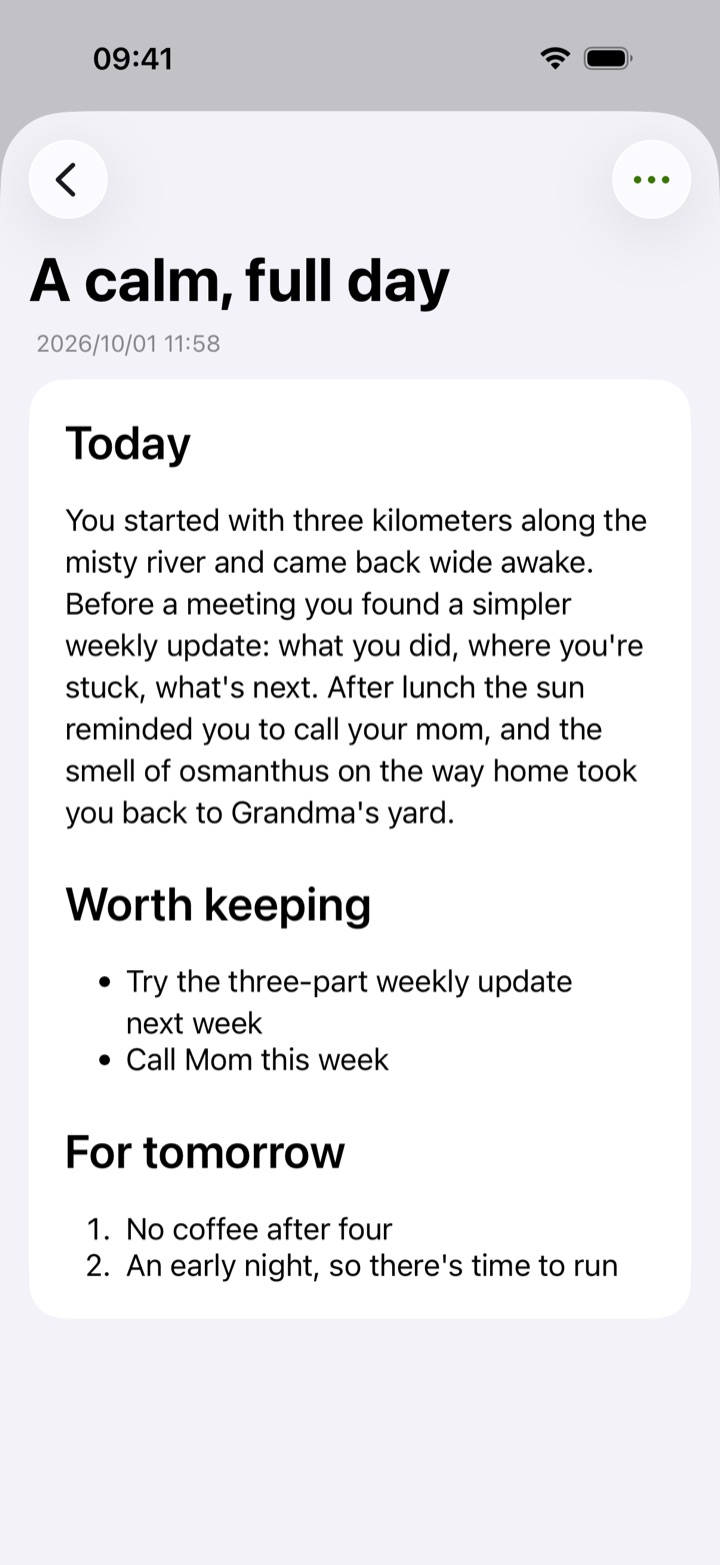
In the evening, look back
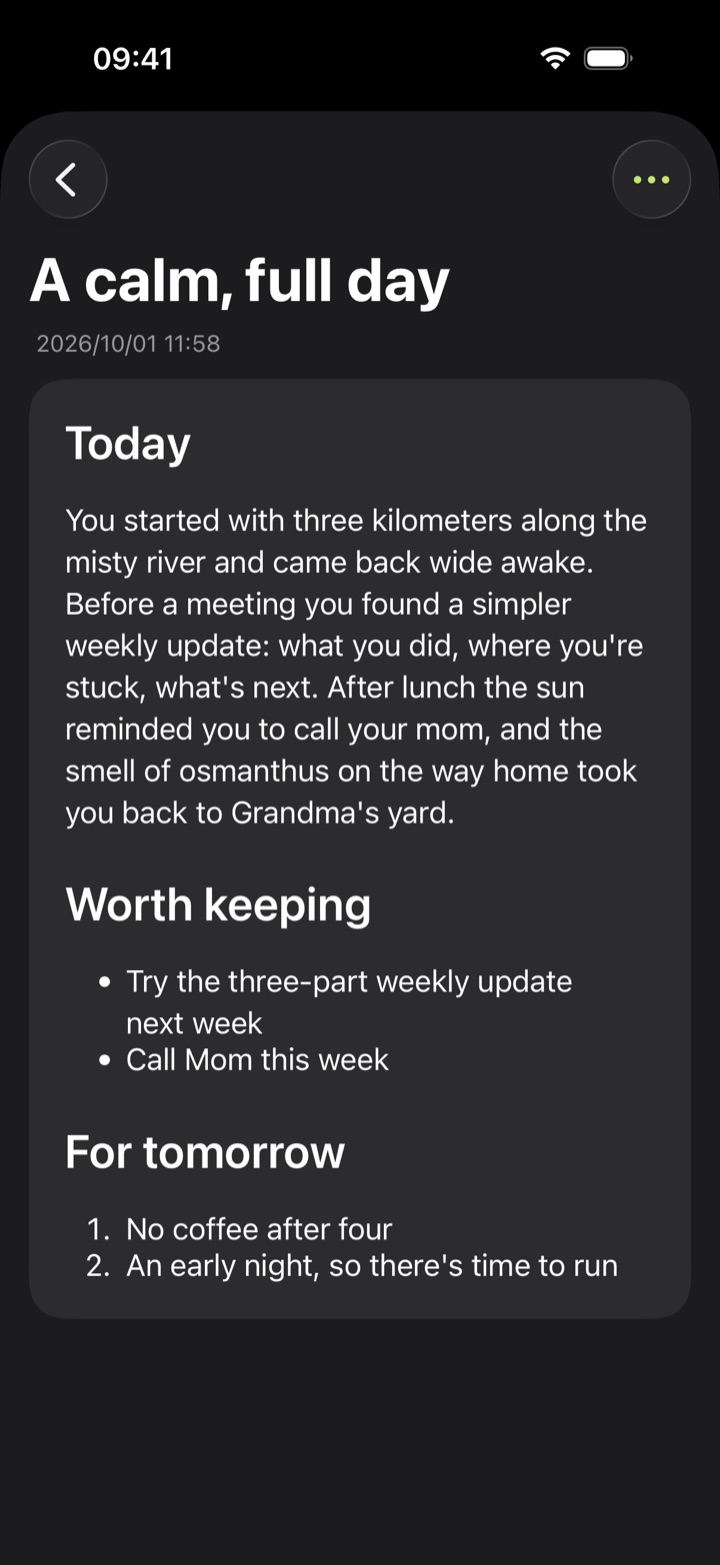
Tap Summarize and the day's notes become one journal entry, with what's worth keeping and what to try tomorrow.
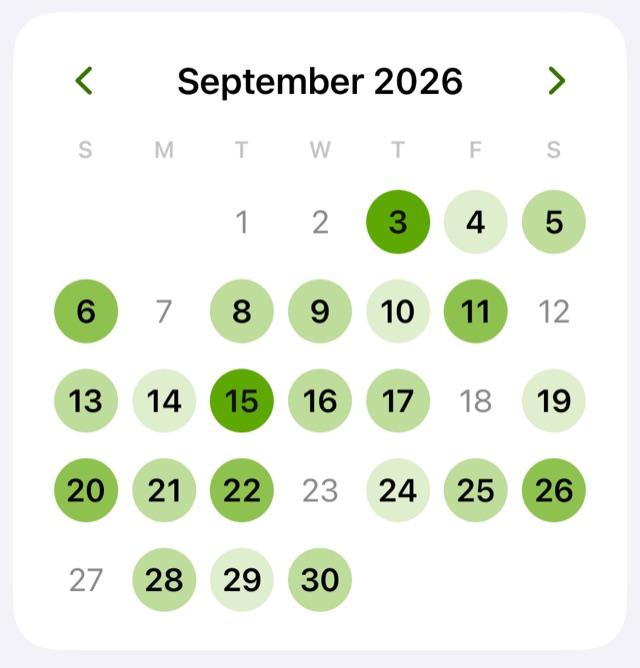
Every day stays here
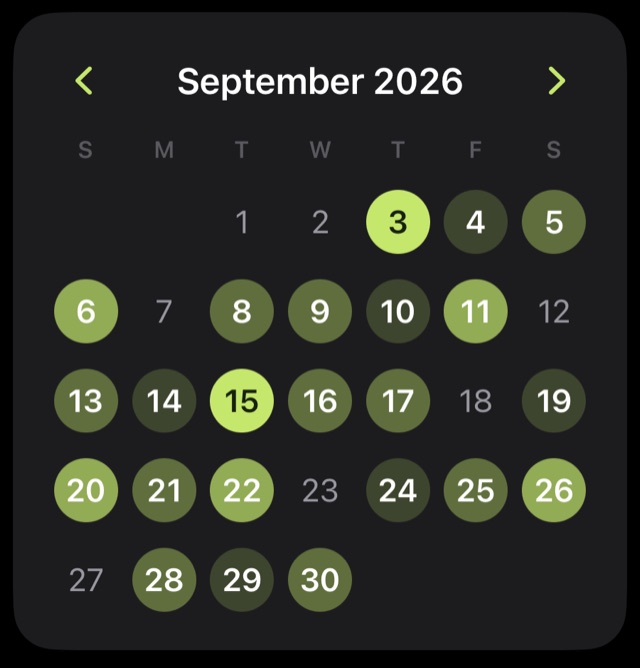
The darker a day in the calendar, the more you said that day. Tap a date to go back to it.
Speak freely
- No sign-up
- The first launch creates an anonymous account, with no phone number and no email. On a new device, restore it with your recovery code.
- No ads, no selling your data
- We don't track you, and your content is not used to train AI models.
- Take it with you
- Export notes and summaries as CSV or Markdown, and delete your account and all its data whenever you like.
Start now
Android
Version 1.0 · 6 MB · Android 10 or later · Released October 1, 2026
Download for AndroidThe first time, your phone asks whether to allow installing apps from your browser. Allow it to continue.
SHA-256 c3cffcb297171e44b681254190d57e5885f6ebf623d70f357ccd26a462e77e5a
Browser
Use it in any browser on your computer or phone, or add it to your home screen to open it like an app.
Use in your browseriPhone and Apple Watch
Coming soon to the App Store.